- Python Web - Django Framework
- Django Framework - Overview
- Django Framework - Users
- Django Framework - Installation
- Django Framework - Creating Application
- Python Web - Flask Framework
- Python Web - Flask Framework
- Flask Framework - Creating URL Routing
- Flask Framework - Using Templates
- Python Web - Pyramid Framework
- Python Web - Pyramid Framework
- Pyramid Framework - Core Concepts
- Pyramid Framework - Creating Application
- Python Web - Dash Framework
- Python Web - Dash Framework
- Dash Framework - App Layout
- Dash Framework - HTML Component
- Dash Framework - Visualization
- Python Web - py4web Framework
- Python Web - py4Web Framework
- py4web Framework - Dashboard
- py4web Framework - Creating Application
- Python Web - Miscellaneous
- Python Web - Web2py Framework
- Python Web - Choosing a Better Framework
- Python Web Development Libraries Resources
- Python Web - Quick Guide
- Python Web - Useful Resources
- Python Web - Discussion
py4Web Framework - Dashboard
py4web dashboard is a web based IDE. It is used to manage applications/ databases. When we starts the py4web server and open http://127.0.0.1:8000/ in browser following main page opens−
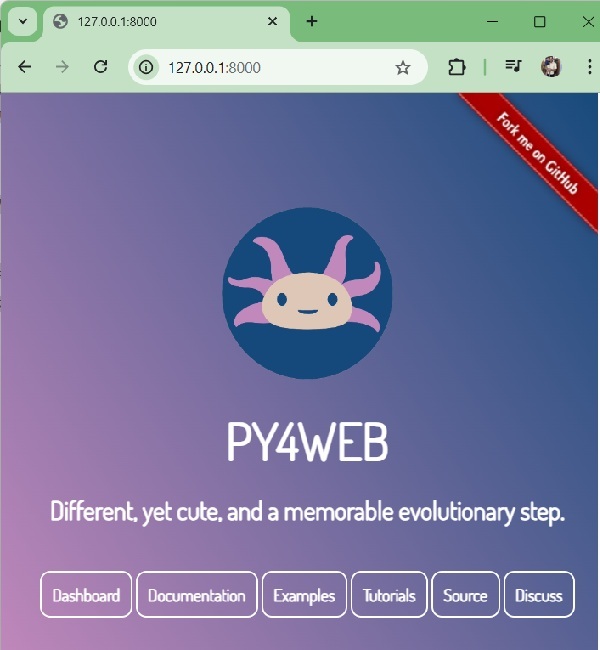
The purpose of each button is as follows −
Dashboard − http://127.0.0.1:8000/_dashboard, a web based IDE to create and manage applications.
Documentation − http://127.0.0.1:8000/_documentation/static/en/index.html, help and documentation on py4web usage.
Examples − http://127.0.0.1:8000/showcase, a comprehensive list of working examples
Tutorials − https://learn-py4web.github.io/, a detailed tutorial on py4web
Source − https://learn-py4web.github.io/, source listed on github repository
Discuss − https://groups.google.com/g/py4web, google community group to discuss issues on py4web
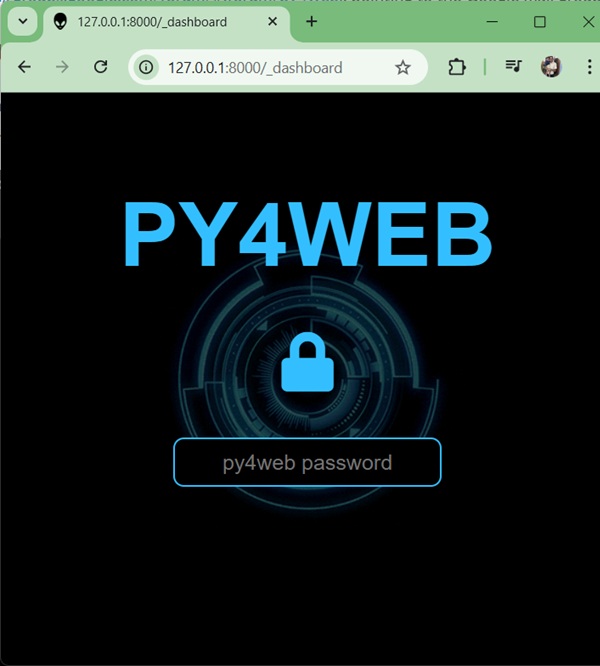
Login to Dashboard
Clicking on Dashboard button lends to dashboard login page. Here we need to enter password we've created during setup apps command.
Once logged-in, you can see the dashboard with multiple tabs −
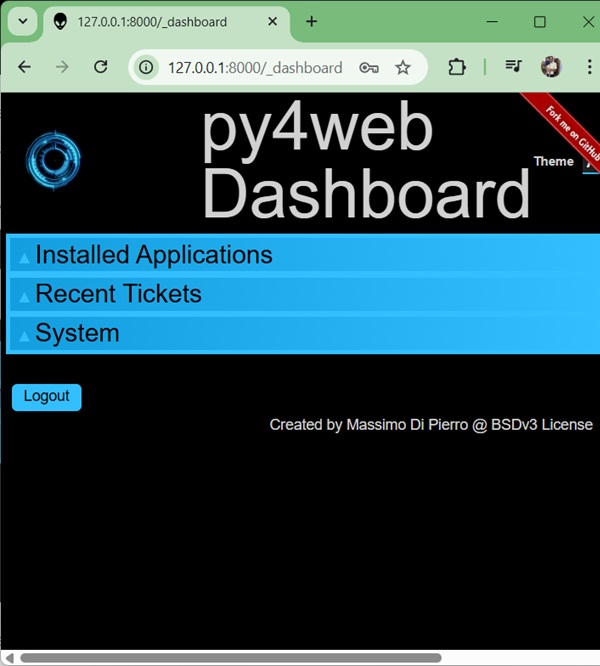
Open Installed Application
Now click on any application, we've clicked on dashboard.
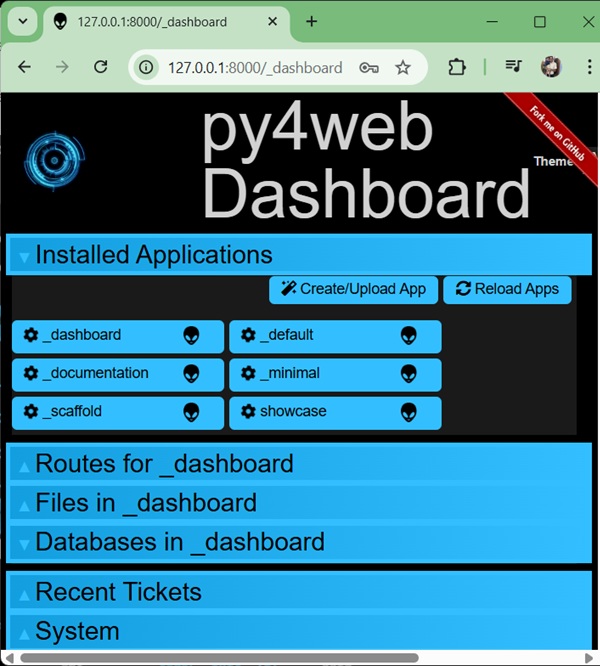
Here you can navigate Routes, Files in the application and database tables used.
Edit Application Files
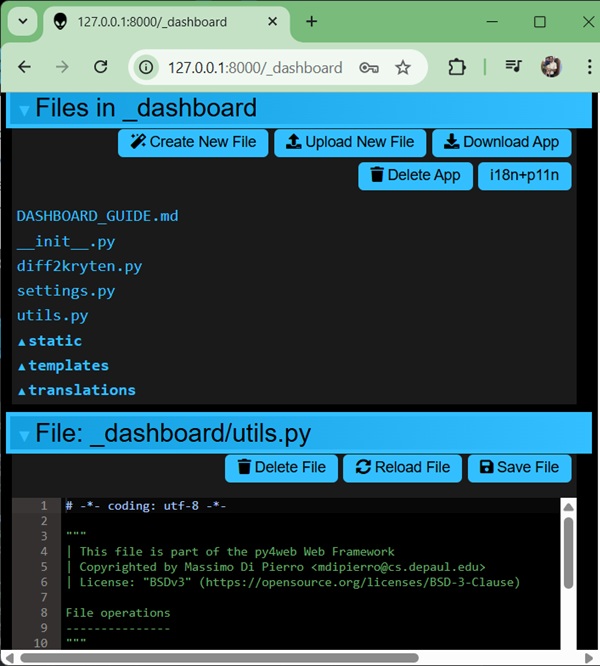
py4web dashboard is an excellent IDE, you can navigate, create/edit files within dashboard as shown below − Just navigate each option and start your experiment journey.